




Quick links
Battle.net Sign Up Without a Phone Number
- By SMSPool Admin
- Guides
Why Do Overwatch 2 and Call of Duty Require a Phone Number?
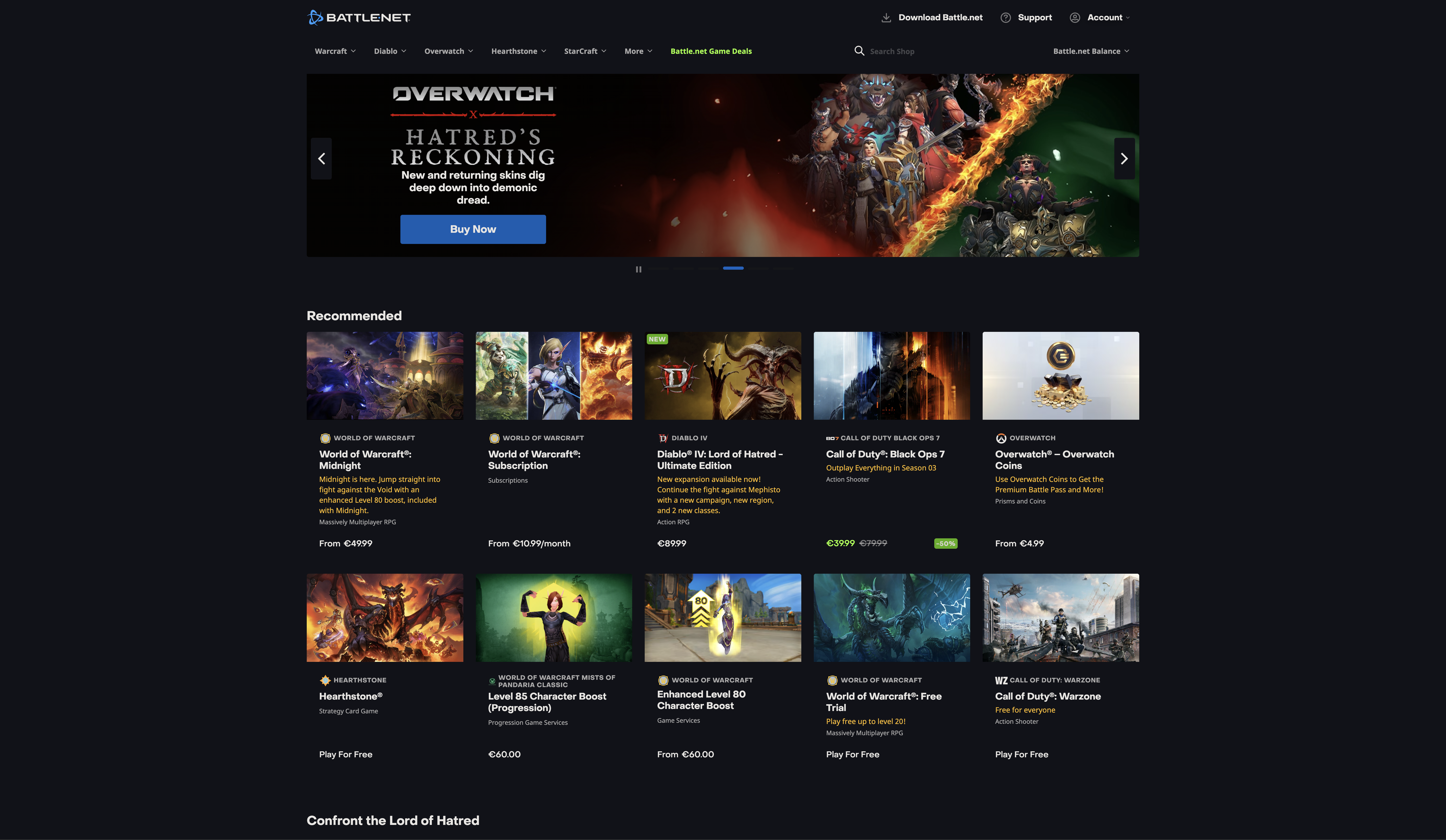
Battle.net is one of the most popular online gaming stores on the PC gaming market, developed by Blizzard Entertainment. This well-known gaming company is home to the likes of World of Warcraft, Call of Duty, Overwatch 2, and other major titles. It acts as the primary base and game launcher for all major Blizzard and Activision games, facilitating interaction among millions of players worldwide. Whether you are installing the latest games, organizing your digital game collection, or making a friends list, Battle.net is essential to play those titles. In order to ensure the safety of the platform, Battle.net/Blizzard has made the SMS verification procedures for new accounts extremely rigorous. In fact, to use most of their features and actually play their highly popular games, players have to complete an SMS verification step to confirm that they are human and not bots or duplicate accounts.
What is the Battle.net Phone Requirement?
If you want to play games that have a huge player base such as Overwatch 2, Call of Duty: Black Ops 7, Call of Duty: Warzone, or World of Warcraft, then most likely you have already experienced the dreaded Battle.net phone verification prompt.
Blizzard Entertainment has enforced some of the harshest account creation rules in the whole gaming industry. Besides setting up an SMS verification system mainly to prevent smurfing, ban evasion, and botting, their extremely strict filters quite often even get positive players locked out who just want to play their games without giving away their personal data. In fact, they do not simply ask for any phone number but they go so far as to block the numbers of VoIP providers, and refuse the numbers of prepaid mobile carriers, and even fingerprint your browser.
Please also be aware that Blizzard / Battle.net has extremely strict verification rules in general, and really matching a mobile phone with a country or residential IP address is mandatory for a successful SMS verification.
Why Free Virtual Numbers and Prepaid Phones Fail on Battle.net
Battle.net employs very sophisticated security measures to help distinguish legitimate accounts from fake ones. For example, if you decide to go for a free virtual number or a regular VoIP service such as (such as Google Voice, 2ndline, TextNow, TextFree, Talkatone and Dingtone). Battle.net will immediately deny your attempt.
Battle.net is also putting effort into blocking prepaid phone plans. So, if your choice is to go with a prepaid carrier like Cricket Wireless or Mint Mobile, most probably you will get an error message that your number is invalid or postpaid.
If you want to get through this without any problems, you must have a non-VoIP number from a real cellular provider. At SMSPool, we offer just that. Each and every one of our phone numbers is non-VoIP which means we use real carriers.
Battle.net/Blizzard is giving me an error
If you have tried to create an account and received an error, do not panic. This is a common issue with Battle.net, and it simply means you have been detected.
Battle.net/Blizzard uses sophisticated security measures to check if your IP address is a VPN and if the IP country matches the number's country, and they also fingerprint your browser/device. Here is a step-by-step guide on how to fix this.
1. Use Mobile Data or a Residential IP Address
If you use a commercial VPN with datacenter IPs, Battle.net/Blizzard will detect you immediately.
To prevent your account from being flagged, you must connect using a fresh residential IP address from a home network, a mobile hotspot from your smartphone, or a high-quality residential proxy. Most importantly, your IP address location must perfectly match the country of the phone number you plan to use for each account registration and verification.
2. Set Up a Fresh Browser Session
To prevent browser fingerprinting during account registration, make sure you use a fresh browser session for every single attempt. Battle.net/Blizzard tracks your device to the very last detail, so you need a completely clean slate.
Brave via Incognito works as a decent free option with good basic anti-fingerprinting. However, if you want the highest success rate or plan on managing multiple accounts at scale, a dedicated anti-detect browser like Multilogin is significantly better. It is built specifically to completely isolate your cookies, manage your hardware fingerprint, and ensure your browsing sessions remain entirely separate and undetected. It is the primary tool we use internally for account management.
You can download it here:
https://smspool.net/multilogin
3. Purchase a Non-VoIP Phone Number with SMSPool
Now you need a real phone number to pass the SMS check. Here is how to get one:
- Log in to your SMSPool account: Head over to SMSPool.net. The registration process is super fast and does not require an email.
- Deposit funds on SMSPool: Go to the Deposit page to add credit to your balance.
- Select your country: Navigate to the Order page. Choose the country that exactly matches your current mobile data or residential IP address. Matching your IP location to the country of the phone number is crucial for Battle.net.
- Choose "Battle.net / Blizzard" as the service: In the service dropdown menu, search for and select Battle.net / Blizzard.
- Purchase the phone number: Click the Quick Purchase button. The system will then generate a real, non-VoIP temporary number for you to use.
4. Register Your Battle.net Account
Go to Battle.net in your fresh browser session and begin the sign up process.
When prompted for a phone number, input the one you just purchased from SMSPool. Battle.net/Blizzard will send a text message containing a security code to verify your phone number. Switch back to the SMSPool Order Page, wait for the SMS to appear, copy the code, and enter it into Battle.net to verify your account!
Return to knowledgebaseAbout the author
SMSPool Admin
The owner of SMSPool.net, a site that originally started as a hobby but saw rapid expansion due to the high demand, loves anything technology related and loves writing about technology related articles.
www.smspool.netOther interesting articles
How to log out of your SMSPool Account
Step-by-step guide on how to log out of your SMSPool Account
- By Admin
- January 16, 2026
How to get a Bolt SMS verification
In this guide, we will show you how to verify your Bolt account using our Bolt SMS verification service without using your phone number for Bolt.
- By Admin
- May 28, 2023
How to get a Signal SMS verification
This guide shows you how to get an SMS verification for Signal without a phone number.
- By Admin
- May 25, 2023
Register on Google without a phone number
This guide shows you how to register on Google without requiring a phone number
- By Admin
- June 3, 2024
How to Pass Forest Bikes SMS Verification
Forest Bikes SMS verification failing? Learn why VoIP numbers get blocked and how to verify your account instantly with a real non-voIP UK number from SMSPool.
- By Admin
- April 20, 2026
How to get a Discord SMS Verification
Get a one-time non-VOIP Discord SMS phone verification in order to bypass their SMS verification, get your SMS activation now for no more than 0.05 cents!
- By Admin
- December 20, 2021
How to get an AOL SMS verification
This guide shows you how to create an AOL account with our AOL SMS verification service.
- By Admin
- May 23, 2024